- Corne Mini v4 (3x5): MX/Kailh Choc - Split Ergonomic Keyboard (crbkd)
- Supports QMK firmware for custom keymaps
- Supports MX/Kailh Choc hot-swap switches
- RGB LEDs under keycaps
# Options
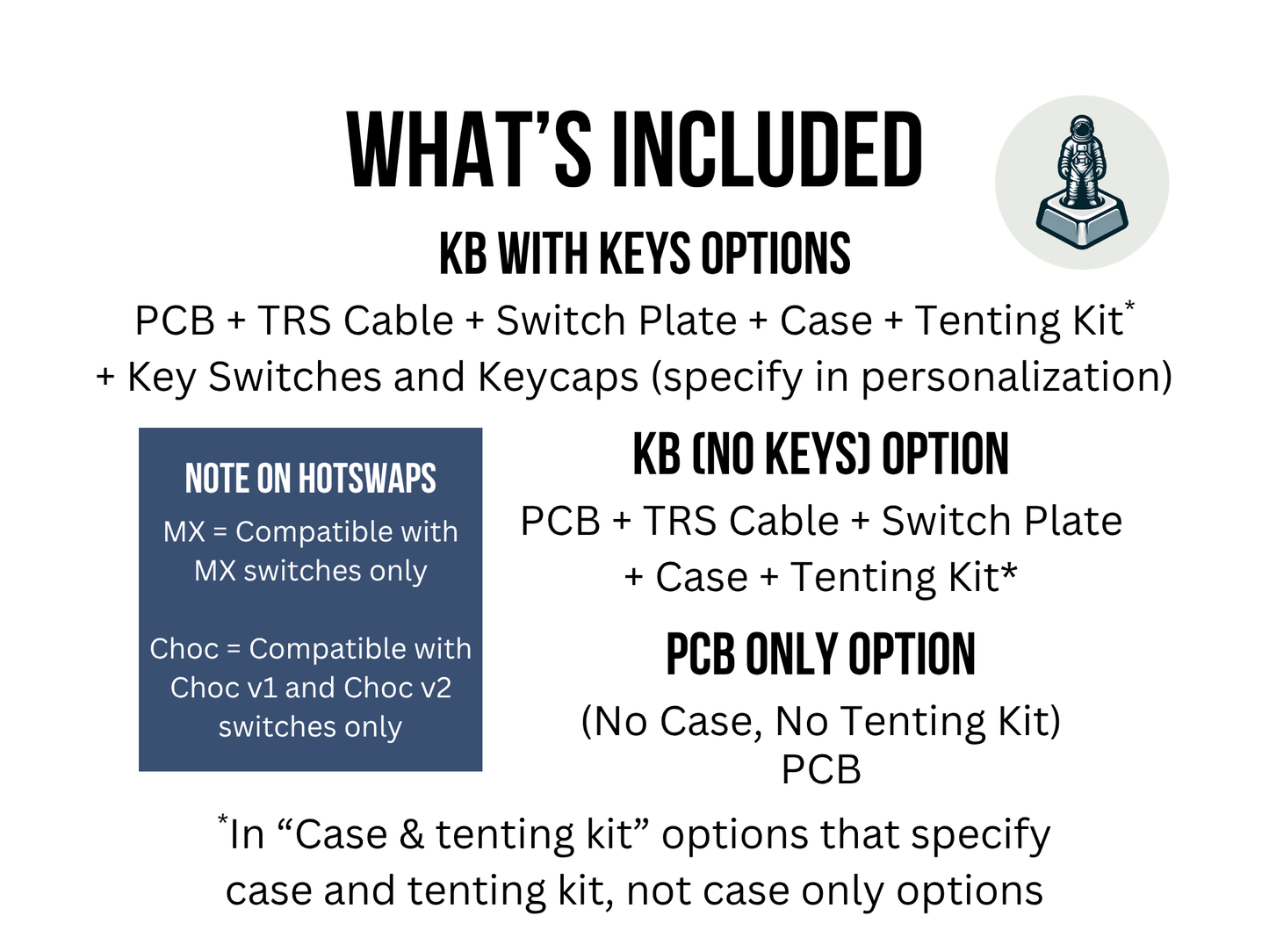
For PCB only options, you have
- Pre-soldered PCB with RGB Backlight LEDs, USB-C controllers, audio jacks and MX/Kailh Choc hot-swap sockets
- Pre-flashed VIAL firmware
For no keys options (that is, "No Switches & No Keycaps"), you have everything above plus
- TRS/TRRS cable included (suitable cable will be provided for your keyboard)
- Top / Switchplates
- 3D printed bottom case
For keys options (for example, "Brown & Blank White"), you have everything above plus
- MX/Kailh Choc Keycaps
- MX/Kailh Choc Key switches
For Tenting Kit options, you have everything above plus a pair of tenting stands and modified case so that you can place your keyboard on these stands.
Note that for any one of these options, you can only select a keyboard that has MX hotswaps or Choc hotswaps. MX hotswap keyboards only supports MX switches, and Choc hotswap keyboards only supports Choc v1 and Choc v2 switches.
# Key Switches and Keycaps Legend
- MX switches = Large normal-sized switches with respective keycaps, think from a normal-sized keyboard, raised square profile keys
- Kailh Choc switches = Low profile, flat switches and keycaps; for those looking for a smaller profile, flat keys, closer to those on a laptop
- QWERTY Keycaps = with layered transparent and glow-through labelled keys in QWERTY layout - for those new to split ergonomic layered keyboards
# Important
- You need a USB-C cable to connect the left keyboard to your computer
# Source code and license
- https://github.com/foostan/crkbd